How to Set Up Bigin by Zoho in Under 30 Minutes to Close Deals 40% Faster

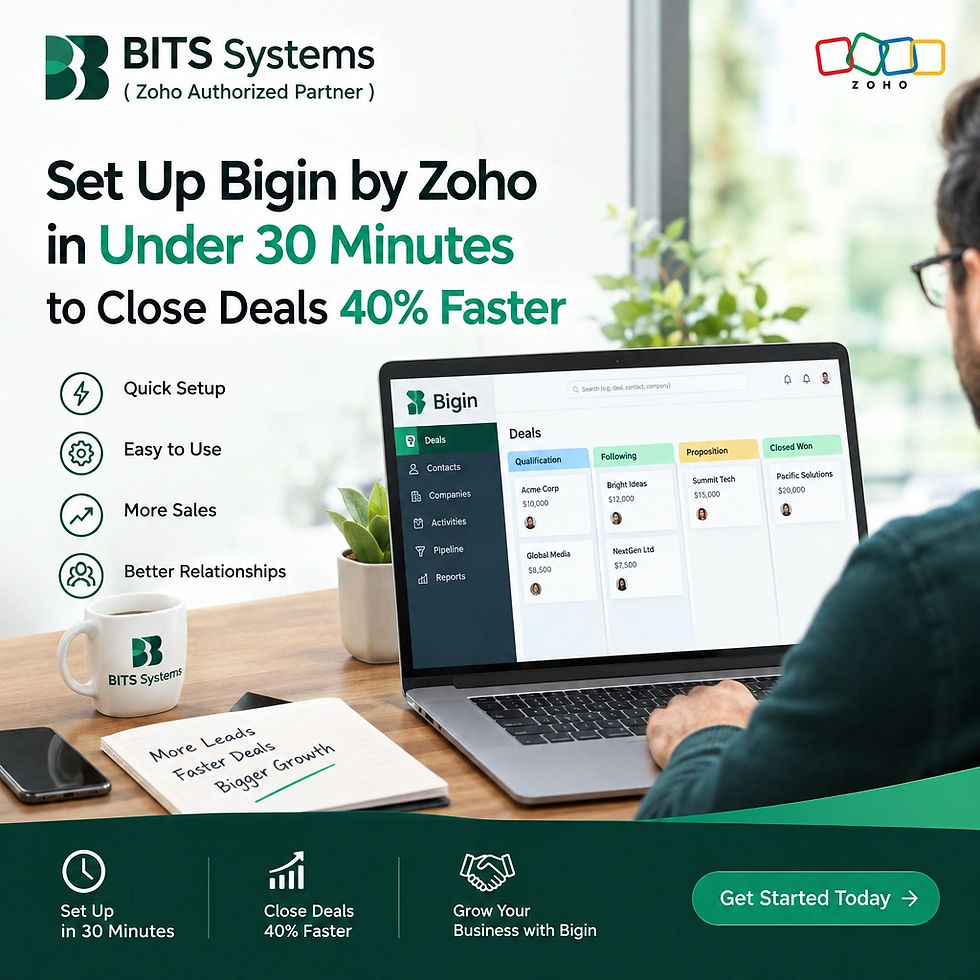
Small businesses often need a CRM but do not have the time, budget, or technical resources to manage a complex system. That is where Bigin by Zoho fits in.
Bigin is a pipeline-focused CRM built for small and growing businesses. It helps teams manage leads, contacts, deals, communication, follow-ups, payments, and customer support from one simple interface.
With the right approach, a business can set up Bigin by Zoho in less than 30 minutes and create a more organized sales process that helps deals move faster.
Note: The 40% faster improvement depends on factors such as the company’s previous sales process, adoption rate, automation, and follow-up discipline. Bigin provides the tools; results will vary by business.
What Is Bigin by Zoho?
Bigin is more than a contact manager or a replacement for a spreadsheet. It is a lightweight CRM designed around sales pipelines.
It helps businesses:
Capture leads from websites, social media, and online forms
Track deals through different stages
Manage contacts and customer information
Send and track emails
Schedule calls, tasks, and meetings
Automate follow-ups
Collect payments
Connect with accounting, e-commerce, email, and other business tools
Use AI to summarize records, draft emails, and analyze lost deals
Unlike Zoho CRM, Bigin uses a simpler interface with fewer steps for common actions. This makes it a suitable starting point for businesses moving from spreadsheets or manual sales tracking.
Why Choose Bigin Instead of a Spreadsheet?
Spreadsheets are useful for storing information, but they are not designed to manage a complete sales process.
With a spreadsheet, teams often struggle with:
Missed follow-ups
Duplicate customer records
Unclear deal ownership
Limited visibility into sales stages
Manual reporting
Scattered emails and notes
Difficulty tracking customer interactions
Bigin brings this information together in one place. Every lead or deal can include contact details, notes, activities, emails, payments, and status updates.
Who Should Use Bigin?
Bigin is a strong choice for:
Small businesses with one to ten users
Startups building their first structured sales process
Service providers
Travel and hospitality companies
Agencies and consultants
E-commerce businesses
Small support teams
Businesses replacing spreadsheets
Companies that find a larger CRM too complex
Although one to ten users is a common starting point, larger small and medium-sized businesses can also use Bigin, depending on their requirements.
How to Set Up Bigin in Under 30 Minutes
A basic Bigin setup can be completed quickly if you focus first on the essential sales process. You can add advanced automation and integrations later.
Step 1: Define Your Sales Pipeline
Start by identifying the main stages of your sales process.
A basic pipeline might include:
New Lead
Contacted
Qualification
Needs Analysis
Proposal Sent
Negotiation
Closed Won
Closed Lost
Avoid creating too many stages at the beginning. The goal is to make the pipeline easy for the team to understand and update.
For example, a travel company might use:
New Inquiry
Requirements Collected
Package Shared
Follow-up Required
Payment Pending
Booking Confirmed
Booking Lost
Bigin allows businesses to create separate pipelines for different processes, such as sales, customer support, refund requests, or order management.
Step 2: Add Your Team Members
Add the employees who will use Bigin and assign the appropriate roles and permissions.
At this stage, define:
Who receives new leads
Who owns each deal
Who manages customer support
Who can view or edit records
Who is responsible for reporting
Clear ownership helps prevent leads from being ignored or handled by multiple people at the same time.
Step 3: Import Your Existing Contacts
If customer information is currently stored in Excel or another CRM, import it into Bigin.
Before importing, clean the file by:
Removing duplicate contacts
Standardizing phone numbers
Checking email addresses
Separating first and last names
Confirming company names
Removing outdated records
Useful fields may include:
Contact name
Company
Email
Phone number
Lead source
Deal value
Deal owner
Sales stage
Next follow-up date
Start with the information the team uses regularly. Additional fields can be added later.
Step 4: Connect Your Email
Connect the business email account so users can send, receive, and track messages from Bigin.
Email integration helps the team:
Keep communication connected to the correct contact or deal
Review previous conversations
Create follow-up tasks
Use AI-powered writing assistance
Track customer responses
Once email is connected, sales representatives do not need to search through multiple inboxes to understand the status of a deal.
Step 5: Set Up Activities
Configure the activities your team uses every day:
Tasks
Calls
Meetings
Follow-up reminders
Notes
For each open deal, make sure there is a clear next action. For example:
Call the prospect tomorrow
Send pricing information
Schedule a product demonstration
Follow up after the proposal
Confirm payment status
A deal without a next action is more likely to become inactive
Step 6: Add a Simple Automation
Bigin can automate repetitive actions using workflows and sequences.
A basic automation could:
Assign new leads to a sales representative
Create a follow-up task after a form submission
Send a welcome email
Notify a manager when a deal reaches negotiation
Send a payment reminder
Update a deal stage after a customer response
For more structured nurturing, use Sequences. A sequence can combine timed emails, calls, and tasks based on how a lead responds.
Example lead-nurturing sequence
Send a welcome email immediately
Wait two days
Send a product or service overview
If the lead replies, create a follow-up task
If the lead does not respond, send another reminder
Schedule a call when the lead shows interest
This reduces the risk of leads being forgotten and helps sales teams follow a consistent process.
Using Bigin AI to Improve Sales Productivity
Bigin includes AI features that can reduce manual work and help teams make better decisions.
Reply Assistant
The Reply Assistant can draft responses to incoming emails based on the message context and the knowledge provided by the business.
Teams can configure it to:
Send the response automatically
Save the response as a draft for review
For businesses handling a high number of similar customer questions, this can save time while keeping responses consistent.
Churn Analyzer
The Churn Analyzer reviews lost deals and identifies possible reasons they were not closed.
It can examine:
Previous conversations
Missed follow-ups
Notes
Deal information
Sales activity
This gives managers useful insight into issues such as:
Slow responses
Lack of follow-up
Pricing objections
Unclear requirements
Poor timing
Missing product information
Reviewing lost deals regularly helps teams improve their sales process instead of repeating the same mistakes.
Cross-Sell Recommendations
The cross-sell feature recommends additional products or services based on a customer’s purchase history.
For example, a customer who purchases one service may receive a relevant suggestion for:
An upgrade
A complementary service
A maintenance plan
An additional product
A premium support package
This creates opportunities to increase revenue from existing customers.
Record Summaries
Bigin can summarize contacts, leads, deals, email conversations, WhatsApp conversations, and lengthy notes.
A sales representative taking over an existing deal can quickly understand:
What has already been discussed
What the customer needs
Which actions have been completed
What needs to happen next
This is particularly useful when deals are transferred between team members.
Data Enrichment
Bigin can use publicly available information to add more context about leads and customers.
Before a first call, the sales representative may be able to learn more about the customer or business, allowing for a more relevant conversation.
AI Writing Assistance
Bigin can help users:
Draft emails from a simple prompt
Proofread content
Rephrase messages
Change the tone
Translate text
Shorten or expand an email
For example, a user can enter:
“Write a polite follow-up email for a customer who has not responded to the proposal.”
Bigin can then generate a draft that the user can review and send.
Custom AI Agents
With Zia Agent Studio, businesses and partners can create custom agents for specific processes.
Examples include:
A lead qualifier that scores incoming leads
A follow-up assistant that identifies inactive deals
A call briefing assistant
A customer renewal reminder
A support-response assistant
These custom agents can be designed around a client’s own instructions, knowledge base, and working style.
Connect Bigin With Your Other Business Tools
Bigin becomes more useful when connected to the tools a business already uses.
Payment Gateways
Bigin supports payment-related workflows and integrations with multiple payment gateways, including options such as:
Stripe
PayPal
Braintree
Regional payment providers
Businesses can generate payment links, track payments, and automate reminders
Zoho Books and QuickBooks
Accounting integrations help keep customer, sales, and financial information aligned.
Connecting Bigin with Zoho Books or QuickBooks can reduce manual data entry and help teams move from a closed deal to invoicing more smoothly.
Shopify and WooCommerce
The Shopify and WooCommerce integrations can bring online orders into Bigin pipelines.
This helps businesses:
Track incoming orders
Assign order-related tasks
Manage customer communication
Follow up on incomplete purchases
Monitor order processing
Zoho Sign
Zoho Sign can support electronic signatures for:
Contracts
Agreements
Proposals
Order forms
Service documents
Zoho Calendar and Zoho Notebook
These integrations help teams manage scheduling and maintain detailed notes alongside customer records.
Zoho Campaigns
Bigin and Zoho Campaigns can work together for businesses that want to combine sales and marketing activities.
This can help teams manage:
Marketing communication
Lead nurturing
Campaign responses
Sales follow-up
Customer engagement
How Bigin Helps Close Deals Faster
Bigin can help shorten the sales cycle by improving several parts of the process.
1. Faster Lead Response
Leads can be captured from forms, social media, websites, and other sources. This reduces the delay between a customer showing interest and a sales representative responding.
2. Fewer Missed Follow-Ups
Tasks, reminders, workflows, and sequences keep follow-ups visible and consistent.
3. Better Deal Visibility
Managers can see which deals are active, delayed, or at risk.
4. Less Manual Data Entry
Integrations and automation reduce repetitive updates.
5. Faster Handover
Record summaries and centralized communication help team members understand deals quickly.
6. Better Customer Conversations
Data enrichment, purchase history, and complete interaction records help sales representatives personalize their conversations.
7. More Efficient Communication
AI-generated emails, templates, and automated responses help teams communicate faster without sacrificing consistency.
A Practical 30-Minute Setup Plan - Just Start Begin
Here is a simple setup schedule.
Time | Activity |
0 - 5 minutes | Define the sales process and pipeline stages |
5 -10 minutes | Add users and assign ownership |
10 -15 minutes | Import contacts and existing deals |
15 - 20 minutes | Connect email and configure activities |
20 - 25 minutes | Create one workflow or follow-up sequence |
25 - 30 minutes | Test the process with a sample lead |
After this initial setup, the business can improve the system gradually by adding:
More pipelines
Additional automations
Payment integrations
AI features
Custom fields
Reports
Customer portals or external sharing
Accounting and e-commerce connections
Do not try to configure every feature on the first day. Start with the process the team needs most
When Should a Business Move From Bigin to Zoho CRM?
Bigin is often an ideal starting point for small businesses. As a company grows, it may need more advanced customization, complex reporting, custom modules, or broader enterprise capabilities.
A business may consider Zoho CRM or Zoho One when it needs:
More complex sales operations
Advanced customization
Extensive automation
More detailed reporting
Custom modules
Larger teams
Broader business applications
A unified platform across departments
Bigin supports a gradual growth path. Businesses can begin with a simple CRM and move to Zoho CRM or Zoho One when their requirements expand. Data can be synchronized between Bigin and Zoho CRM, making the transition easier.
Wrapping Up the Bigin by Zoho discussion
Bigin by Zoho gives small businesses a practical way to organize sales without dealing with unnecessary complexity.
In less than an hour , a business can:
Create a sales pipeline
Add team members
Import contacts
Connect email
Set follow-up activities
Automate one key process
Start tracking deals
From there, businesses can add AI, payment processing, catalogues, customer updates, e-commerce integrations, and even accounting tools.
The biggest benefit is not simply having another software system. It is creating a consistent process where every lead has an owner, every deal has a next step, and every customer interaction is easy to find.
When used consistently, Bigin can help small businesses respond faster, reduce missed opportunities, and build a sales process that grows with them.


Comments